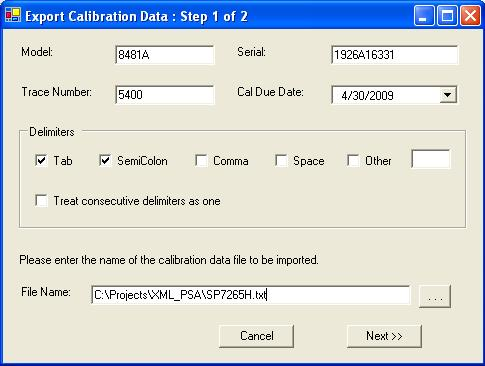
Enter the device model, serial number, calibration due date, and trace number where applicable.
Select the delimiters to be used to parse each line.
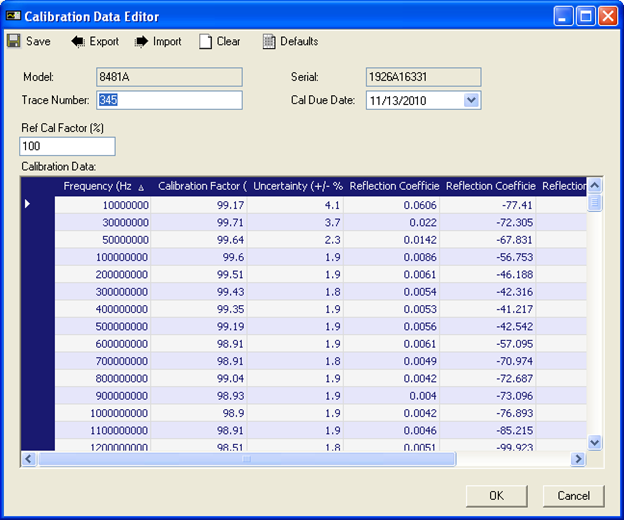
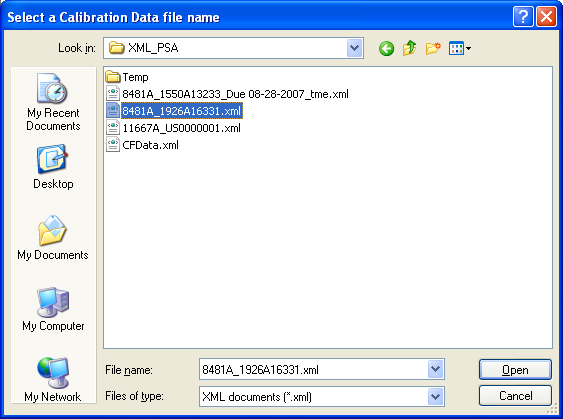
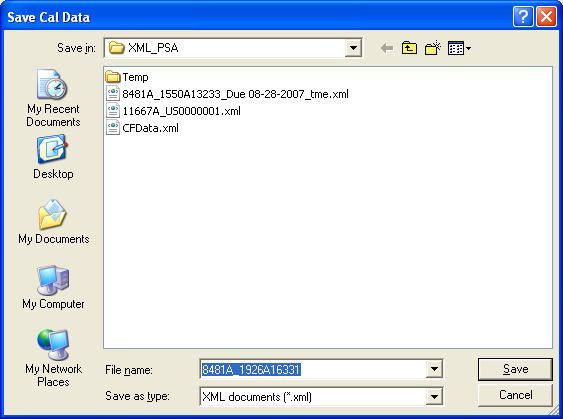
This utility allows you to import the power sensor or power splitter calibration data stored in a delimited text file, and to export the data to an XML file that can be imported to TME through the Calibration Data Editor in the TME Configuration Test Station. Files of these formats can be generated by the Service Center.
The text file has to be in the following format. Each line contains the calibration data for a single frequency. The data of that frequency can be in any order.
+5.0000000000E+07;+1.000000E+02;+1.169126E+00;+3.490000E-02;-8.940000E+01;
+1.0000000000E+08;+9.993546E+01;+1.148299E+00;+1.700000E-02;-9.380000E+01;
+2.0000000000E+08;+9.974198E+01;+1.138411E+00;+6.300000E-03;-9.770000E+01;
Enter the device model, serial number, calibration due date, and trace number where applicable.
Select the delimiters to be used to parse each line.
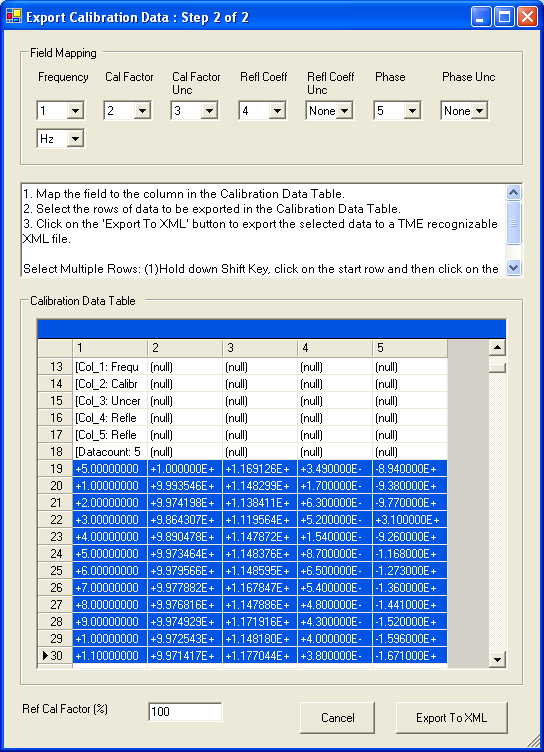
Map the field to the column number in the Calibration Data Table.
Specify the frequency unit and the reference calibration factor in percentage.
Select the rows to be exported by holding down the shift key selecting the desired rows (by clicking the start row and then clicking the stop row).
In the Keysight TME, select Login from Administration menu.
Select Configure Test Stations, and select the station where the device is.
Select the device and click Edit Cal Data.