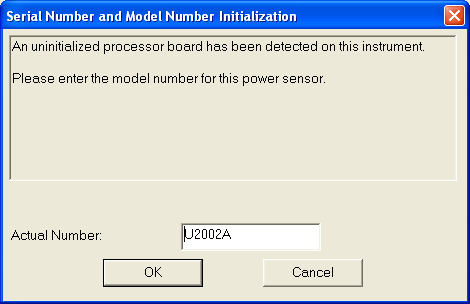
The user is first prompted to enter the model number for the UUT power sensor.
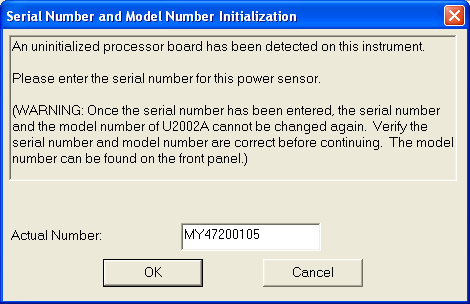
This is followed by entering the serial number for the UUT power sensor.
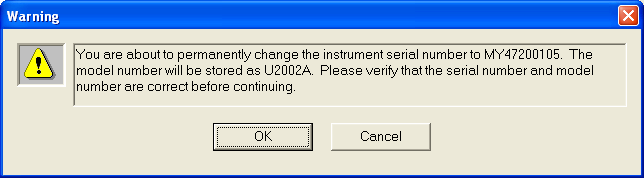
Next there will be a warning message prompting the user to verify the information entered before continuing. Selecting OK will complete the process. If the user chooses to cancel, both the model number and serial number will not be written to the UUT power sensor’s EEPROM. The next time when the UUT power sensor is detected by the calibration application, the user can then re-enter the model and serial number.