Window Tab (Display Preferences)
The tab on the dialog box is used to set the theme, window scaling and tab layout for the 89600 VSA window.
-
: Provides a list of color themes to customize the appearance of the 89600 VSA user interface.
-
: Sets the relative size for user interface elements.
The trace annotation font can be separately adjusted using the Font tab.
-
: Sets the relative size for user interface elements.
-
: determines whether dialog boxes resize to fit tab contents.
Selected: dialog boxes are resized to the size of the largest tab they contain.
Cleared: dialog boxes will resize to the size of the current tab
-
: determines whether dialogs are allowed to go behind the VSA's main window.
-
: specifies the default tab layout preference by selecting a different Default Mode from the drop-down menu.
-
Tabs on top:
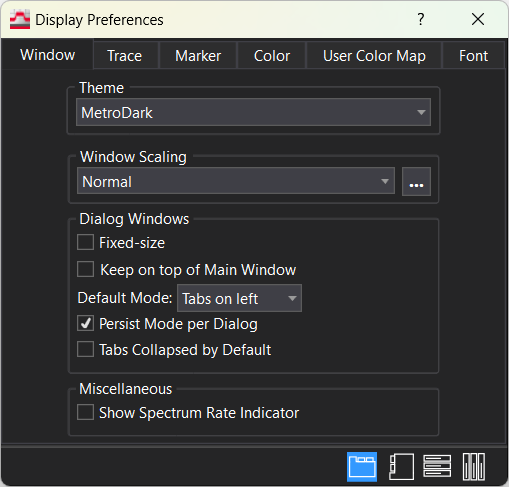
-
Tabs on left:
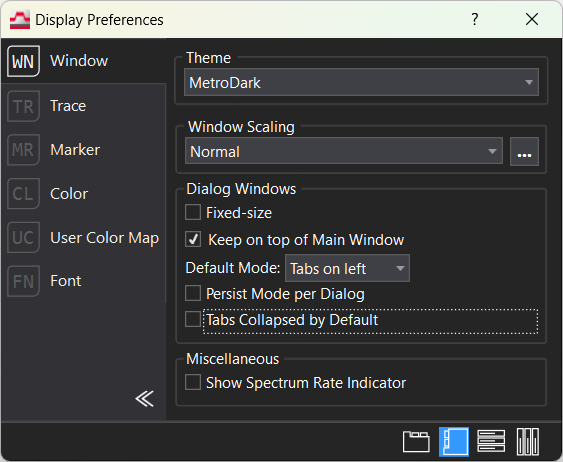
-
Expanders (vertical):
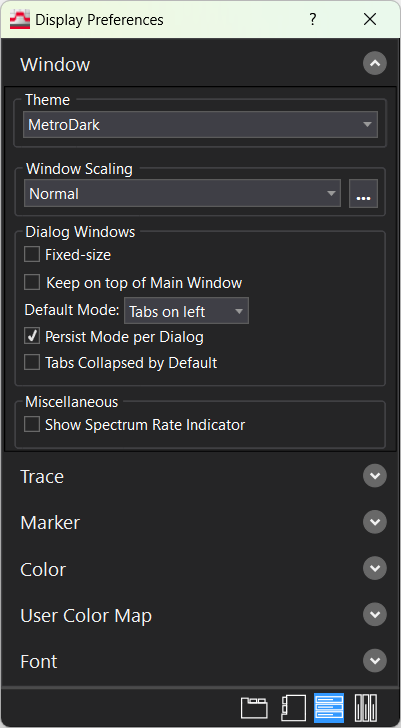
-
Expanders (horizontal):
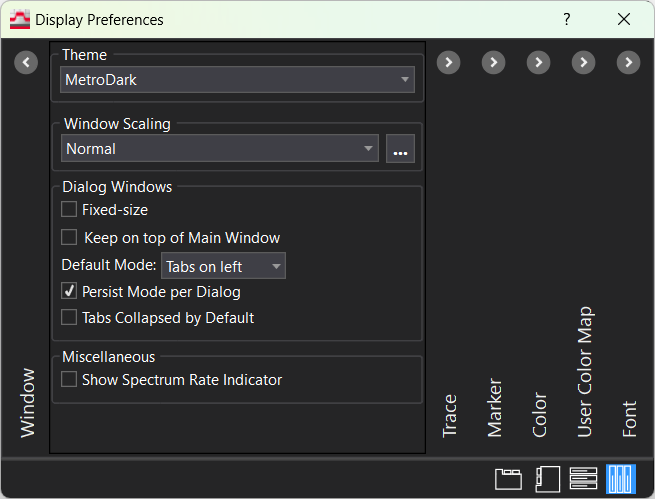
-
-
: if selected, causes dialogs to open in the Mode that they were closed with. Persists across VSA restarts. In Tabs on left mode, will also persist the collapsed/expanded state.
-
(only applicable to Tabs on left): determines the collapsed/expanded state for tabs on left.
-
-
- Show spectrum rate indicator: displays the speed at which measurements are being made, on the status bar just to the left of the Reference status indicator. For more information, refer to Spectrum Rate Indicator.
The Spectrum Rate indicator is not displayed after you preset the display preferences or do a Preset All. - Show spectrum rate indicator: displays the speed at which measurements are being made, on the status bar just to the left of the Reference status indicator. For more information, refer to Spectrum Rate Indicator.
