Press Compen Wizard to display the Compensation Wizard.
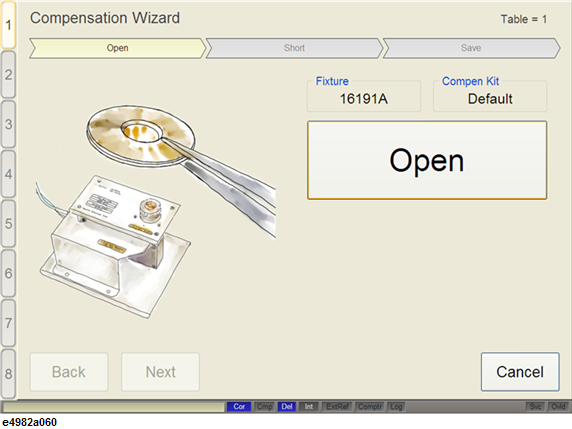
Set the DUT connection terminal of the test fixture to the state in which Open compensation is performed. For information on the procedure to set the Open state, see the Operation Manual for the test fixture to be used.
Click Open.