Press System > Service > System Preference > Export Preference....
The following dialog box appears. Select the file location and enter a file name.
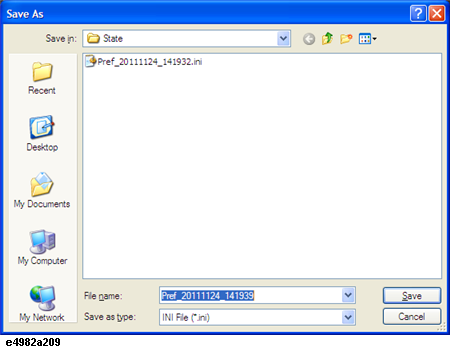
Click Save.
Other topics about Maintenance
You can save the system settings of the E4982A as a .ini file and recall that file to reproduce the system settings.
To export system preference, follow the following procedure.
Press System > Service > System Preference > Export Preference....
The following dialog box appears. Select the file location and enter a file name.
Click Save.
To import an existing system preference file into your E4982A, follow the following procedure.
Press System > Service > System Preference > Import Preference....
The following dialog box appears.
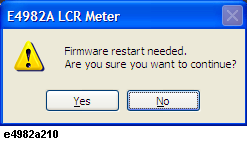
Click Yes.
The following dialog box appears. Select the correct file location and file.
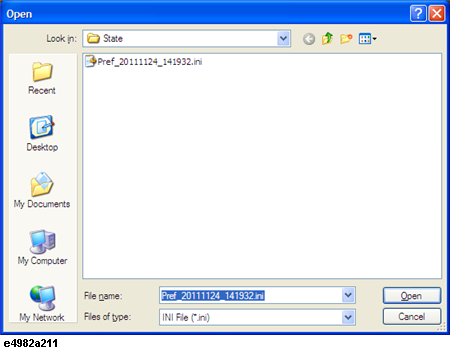
Click Open and wait for the E4982A application to restart.
To remove the set system preference, you can restore the E4982A to its factory settings.
Press System > Service > System Preference > Restore Factory Settings.
The following dialog box appears.
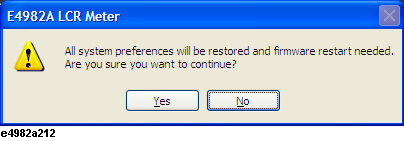
Click Yes and wait for the E4982A application to restart.