Select from the Format drop-down menu.

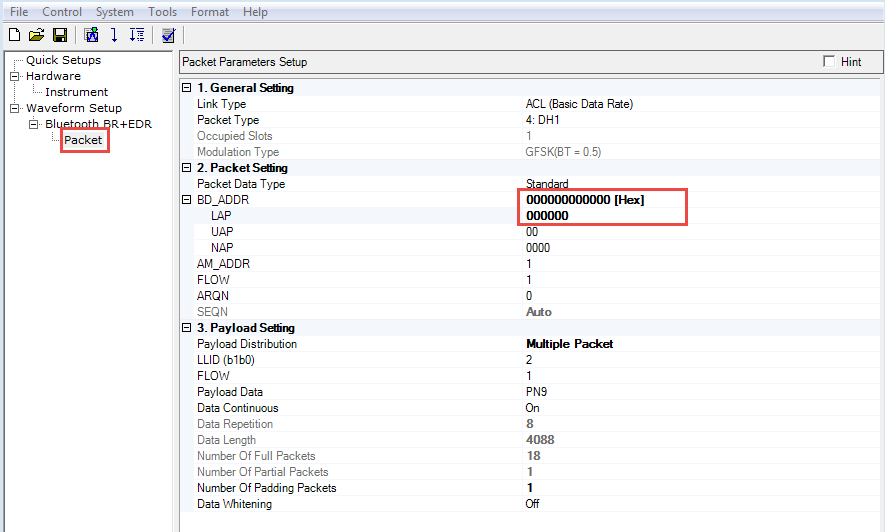
Click in the tree view on the left to configure the packet parameters.
Set to .
Set to
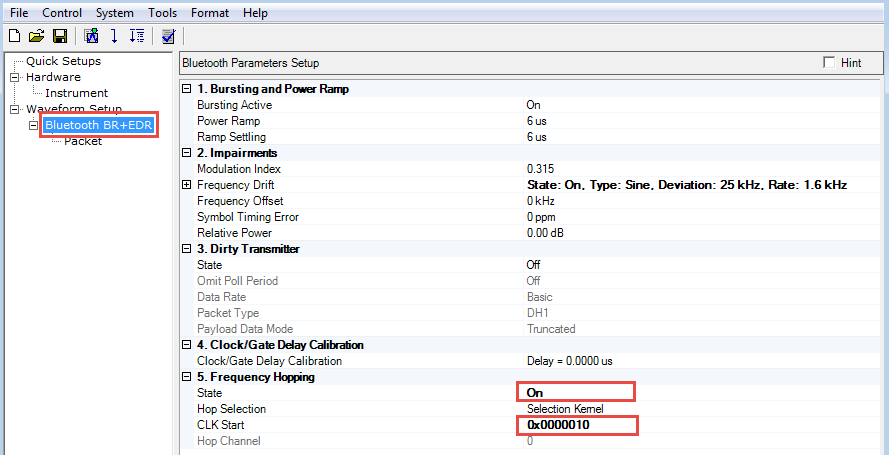
Click in the tree view on the left to configure the Bluetooth parameters.
Set to .
Set to .
Click the  in the tool bar to generate and download the waveform to the
signal generator.
in the tool bar to generate and download the waveform to the
signal generator.