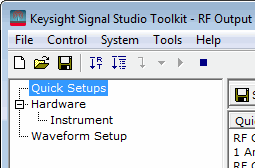
tree view
displays the quick setup icons to help you begin signal configuration.
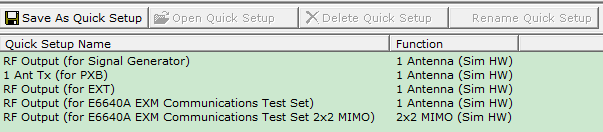
The software comes with a single, pre-configured Internal Arb quick setup
for use in offline mode as a simulated hardware setup.
tree view
displays the quick setup icons to help you begin signal configuration.
The software comes with a single, pre-configured Internal Arb quick setup
for use in offline mode as a simulated hardware setup.Selecting in the
tree view
displays the quick setup icons to help you begin signal configuration.
The software comes with a single, pre-configured Internal Arb quick setup
for use in offline mode as a simulated hardware setup.
Click this button
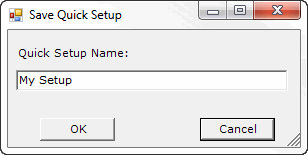
to save the current configuration as a custom quick setup. A window
appears, enabling you to enter a name for the quick setup.
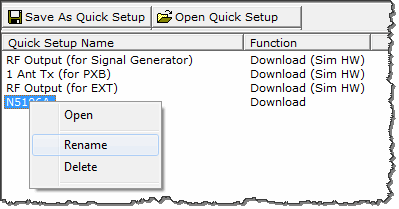
Highlight a quick setup name
in the list, then click this button
to open that quick setup.
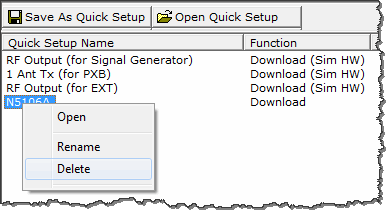
Highlight a quick setup name
in the list, then right click and select Delete to delete that quick setup. This menu item is not available (grayed-out)
if a quick setup cannot be deleted.
Highlight a quick setup name
in the list, then right click and select Rename
to rename that quick setup. This menu item is not available (grayed-out)
if a quick setup cannot be renamed.