in the toolbar (webhelp only).
This test instructs the operator to load the M9485A VNA soft front panel (SFP) on their PC and perform a guided power calibration on the system using a power meter, power sensor, and 50 Ohm loads. The corrected power values are then stored.
This calibration MUST be performed prior to any other receiver module performance verification test for results to be considered valid. The calibration is valid for 48 hours after such time it will need to be performed again.
|
Test Equipment |
Recommended Model Number1 |
|
Power meter |
N1914A |
|
Power sensor |
E9304A-H18 |
|
50 Ω loads |
Any |
|
To expand all, click the Expand All button in the toolbar (webhelp only).
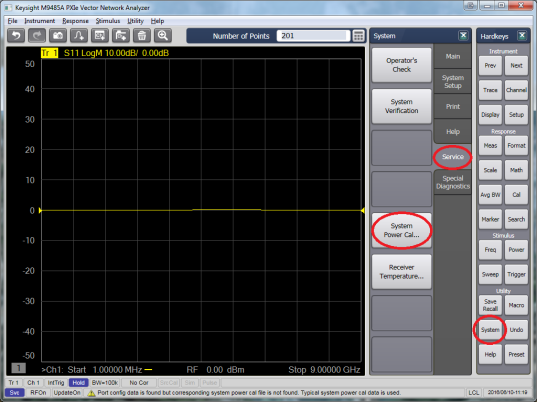
From the M9485A VNA soft front panel (SFP), click System > Service > System Power Cal...
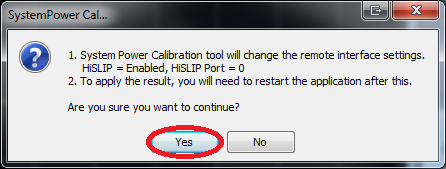
Click Yes.
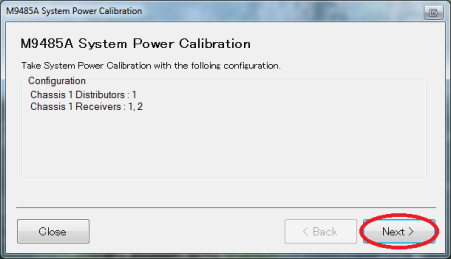
Click Next.
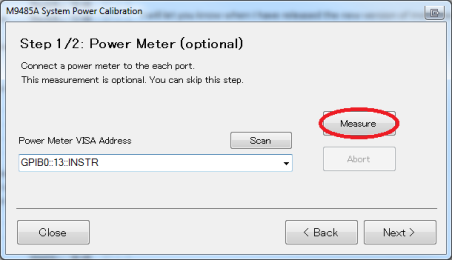
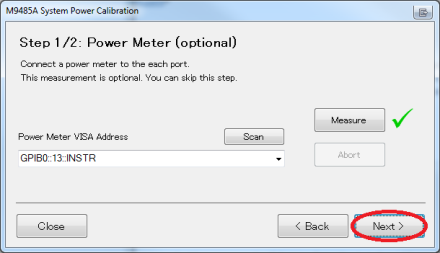
Select the appropriate power meter VISA address and click Measure.
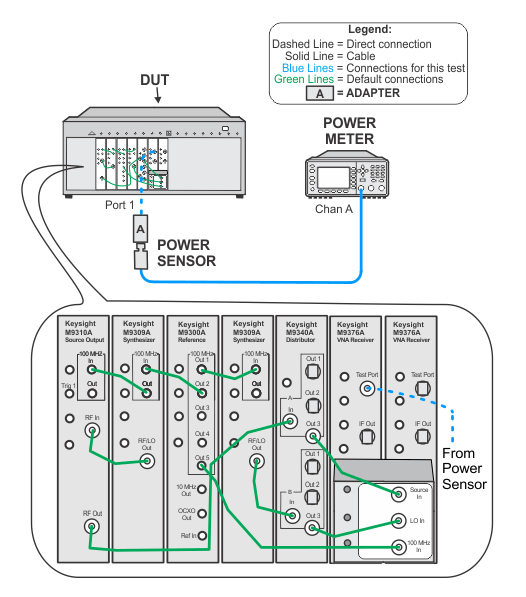
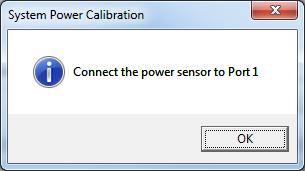
Connect the power sensor to Port 1 of the DUT and click OK.
 Click here for images.
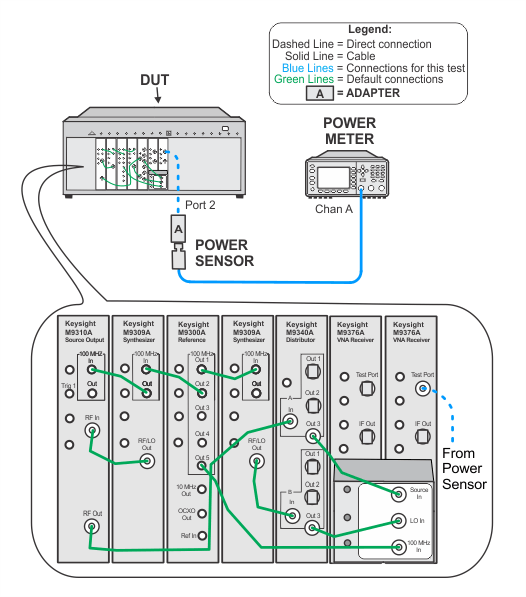
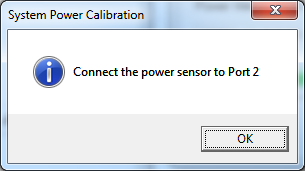
Connect power sensor to Port 2 of the DUT and click OK.
Click here for images.
Click Next.
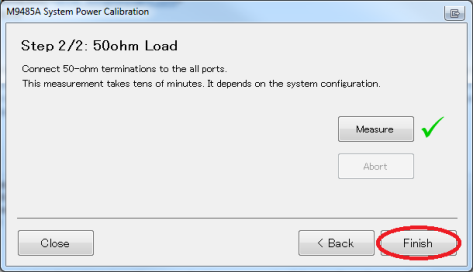
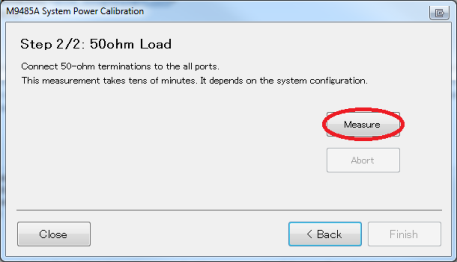
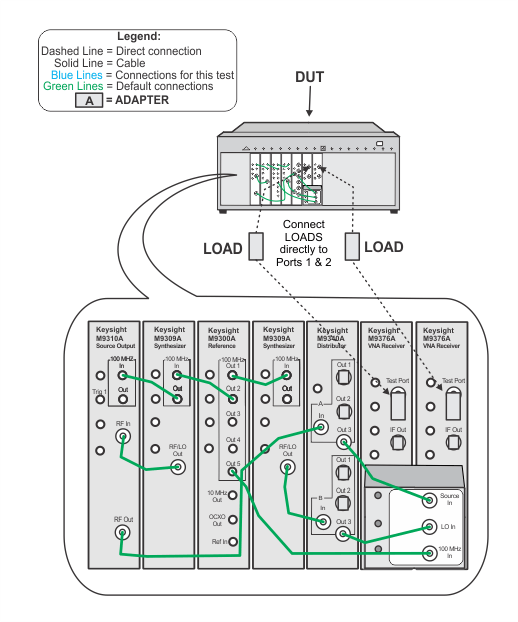
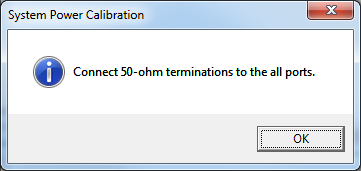
Connect 50 ohm loads.
Click here for images.
Click Finish.