Invert Signal Display Windows
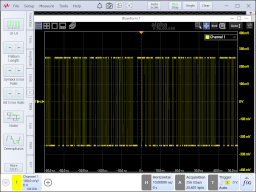
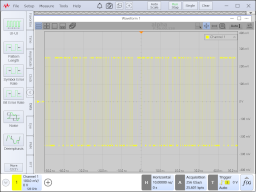
Normally, the background on all windows that display signals is black. When Invert Signal Display Windows is selected, the black background is changed to white. In addition, the background on saved screen images is inverted even if the Invert Graticule Area Background Color setting in the Save Screen Image dialog box is clear. The Invert Signal Display Windows selection affects the following items:
- Waveform graticules
- Charts
- Jitter graphs
- Screen captures