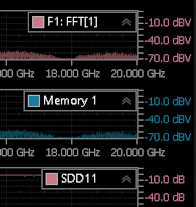
Configure Frequency Domain Waveform Windows
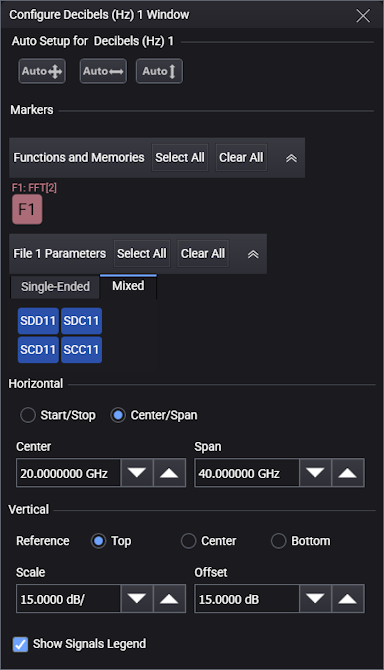
This picture shows the settings available for Freq-Mag, GrpDelay, and Phase versions of the Configure Window pane.
Auto Setup
Click the Auto buttons to scale the graph's vertical axis, horizontal axis, or both axis.
Functions and Memories
The Functions and Memories field is present if:
- An FFT math function is active and its output is not selected to be Linear Magnitude.
- A frequency-domain waveform has been saved to waveform memory.
Click the FFT and Memory buttons to turn on and off the display of these waveforms. You may need to click on the gray title bar to expand this field for view.
Scale Settings
Use the Scale Settings fields to change the graph's Horizontal and Vertical scales.
For the Horizontal scale controls, you can choose to enter Start and Stop frequencies or Center and Span frequencies.
For the Vertical scale controls, in the Freq-Mag window, you can choose whether the vertical reference location is at the Top, Center, or Bottom of the graticule. In other frequency domain windows, the vertical reference location is fixed at Center.
Select Show Signals Legend, located at the bottom of the pane, to hide or view the legend that is shown in the window's top-right corner.