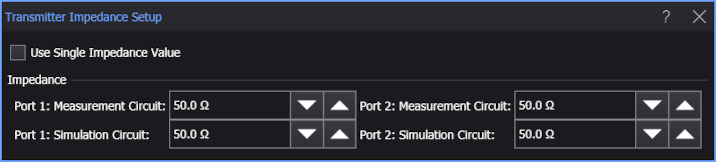
Transmitter Impedance Setup
The Transmitter Impedance Setup dialog box is displayed whenever you click on the impedance symbol in your network setup diagram.
Use this dialog box to enter the impedance values for both the Measurement and Simulation circuits.
To use one value to define both Measurement and Simulation circuits, select Use Single Impedance Value.
The default impedance value is 50 ohms.
2-Port De-Embedding Transmitter Impedance Setup
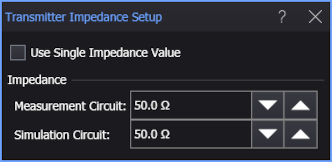
4-Port De-Embedding Transmitter Impedance Setup