Displayed Trigger Level(s)
In Waveform content windows, when the trigger source waveform(s) are displayed, trigger level indicators (like "L" shown below, for example) are displayed on the window's left side. (Some trigger modes, like Pattern and Setup And Hold, have multiple trigger sources and multiple trigger level indicators.)
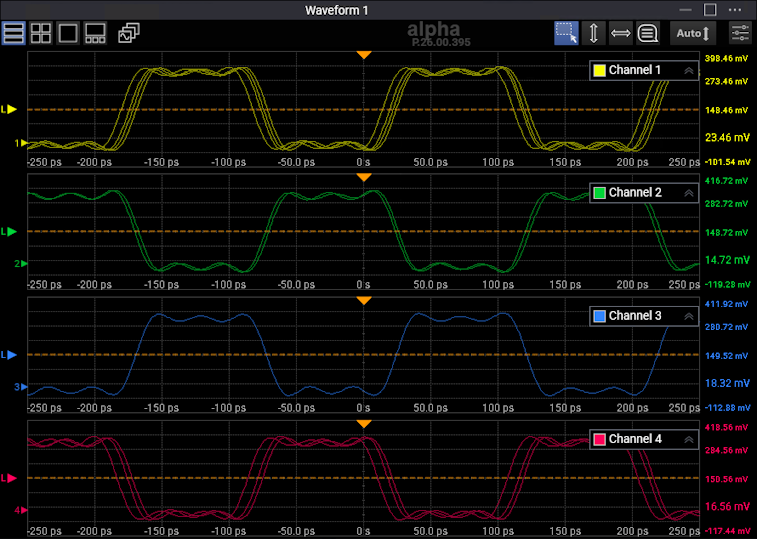
You can drag a trigger level indicator up or down to adjust the trigger level. When dragging, a horizontal dashed line appears so that you can see the trigger level across the waveform display.