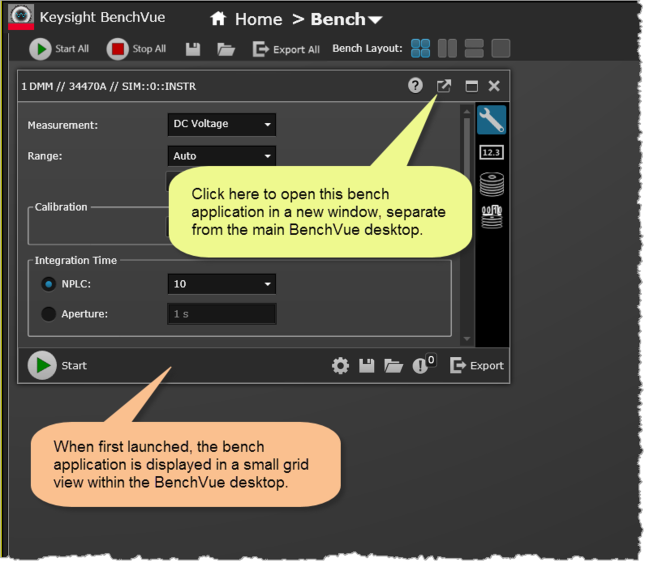
Once a bench application has been launched, you can open it in a new window, separate from the main Bench desktop. As a separate window, you can resize the bench application to take advantage of its full feature set.
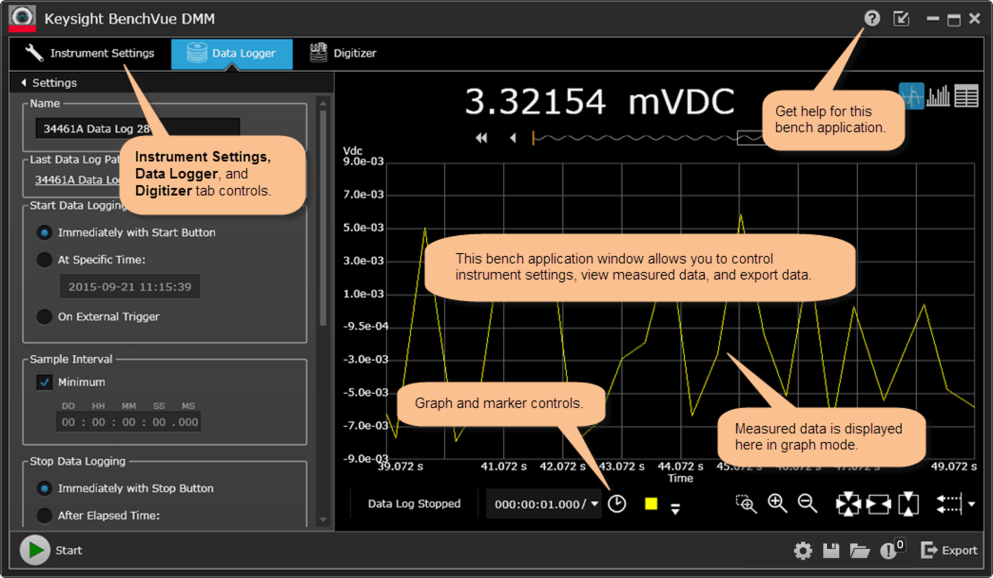
The DMM bench application is shown below in an expanded (undocked) view. Although now running in a separate window from the main Bench desktop, this bench application is still part of the BenchVue workbench.