RJ/RN Compensation
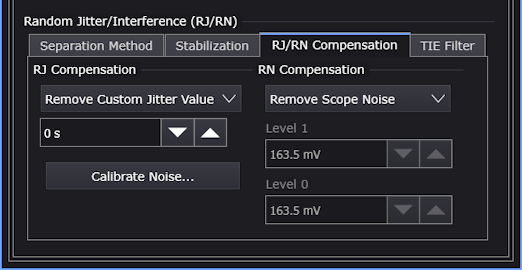
If there are known contributors to random jitter and random noise, you can use the RJ/RN Compensation controls to compensate or remove custom (user-defined) amounts of jitter or noise from the measurement results.
-
RJ Compensation — You can select:
- Off
- Use RN Compensation Values — The compensation specified by the RN Compensation controls are used.
- Remove Custom Jitter Value — Use the related field to enter the amount of random jitter to remove.
-
RN Compensation — You can select:
- Off
- Remove Scope Noise — Removes the oscilloscope's calibrated random noise. Click Calibrate Noise... to open the Calibrate Scope Noise dialog box where you can run the automatic oscilloscope random jitter/noise calibration.
- Remove Custom Noise Value — Use the related fields to enter the amount of random noise to remove from each symbol level.
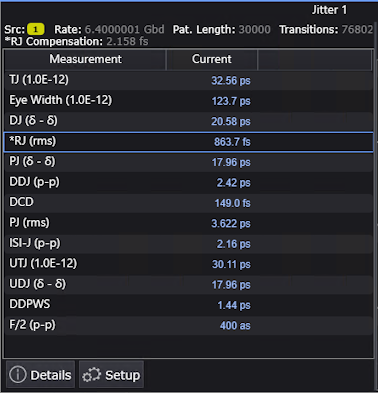
When RJ Compensation is on, either when using RN compensation values or when removing a custom jitter value, the amount of RJ compensation is shown at the top of the Jitter results window, and an asterisk (*) appears next to the RJ (rms) result to show that compensation has taken place.