Default Setup
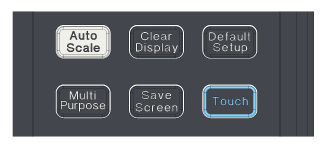
To return Infiniium to a known start-up state, resetting general and trigger settings, without changing probe, channel skew, preferences, and instrument connection settings, choose Setup > Default Setup. On an oscilloscope, you can also press the front panel [Default Setup] key.
A Factory Default resets all settings including general, trigger, probes, channel skew, user preference, and instrument connection settings.
For a list of the user preference settings that are not changed by a Default Setup and for other factory default information, see Factory Default.
Default setups can be undone (see Undo, Redo, and History).
You may find it helpful to use the default settings when initially setting up Infiniium to view signals or to troubleshoot unexpected instrument behavior. The default settings are listed in the following table.
The instrument saves all customized settings in a file, which you can reload.
When an oscilloscope is remotely controlled, the Local button and ON/Standby switch are the only active front-panel controls. Press Local to return control of the instrument to the front panel.