The Agilent 8960 Wireless Communications Test Set and E5515C Fading Solution provides a complete solution for performing faded signal tests on mobile devices when coupled with the PXB. Refer to Register External Instrument for firmware revision requirements.
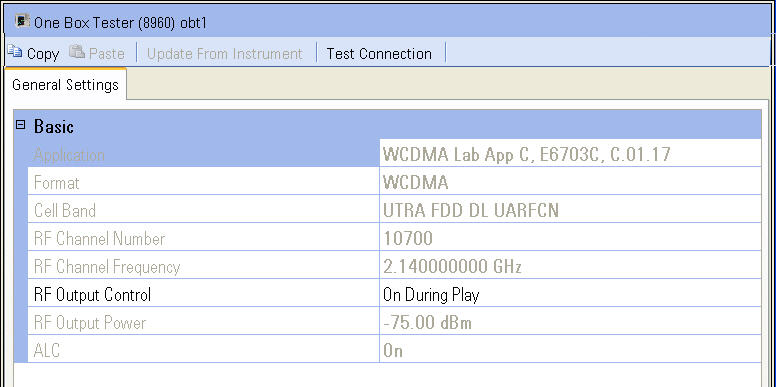
The One Box Tester setup pane is comprised of three buttons and one tab which are located at the top of the page.
Click a button in the graphic below to link to the button description.
Click the tab in the graphic below to link to the settings descriptions for the tab.
The tab is:
General Settings is used to set up the one box tester.
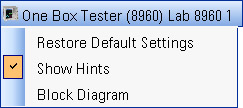
The name of the block (in this case, One Box Tester (8960) Lab 8960
1) is displayed at the top of the setup pane. This name was assigned when
the one box tester was registered during the instrument setup and displayed
in the External
Instrument Table and the block diagram. When the  name is selected,
additional choices, including a selection to show or hide the Hints area,
are displayed.
name is selected,
additional choices, including a selection to show or hide the Hints area,
are displayed.
There are also several buttons located immediately below the one box tester name. The following is a description of each button:
Update From Instrument loads the parameter settings from the one box tester to the PXB user interface.
Test Connection tests the GPIB connection between the PXB and the one box tester. If the test connection fails, refer to the external instrument setup dialog box to verify that all GPIB addresses are valid. Ensure that all cables are securely connected to the correct input/output connectors on the respective instruments.