Jitter Measurement Setup Dialog Box
To open the Jitter Measurement Setup dialog box, choose Measure > Jitter... from the main menu.
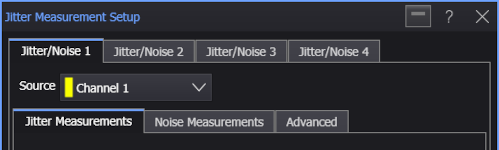
In the Jitter Measurement Setup dialog box, there are four tabs for performing Jitter/Noise analysis on up to four waveforms. The Source drop-down list lets you select the waveform.
Each Jitter/Noise analysis has these sub-tabs for specifying the setup options: