Average

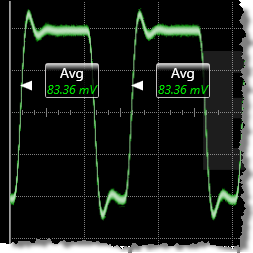 Average is a measure of the mean value of the data sampled from a region or a single cycle. This measurement is compatible with electrical PAM signals over the region. It is not compatible over a single cycle.
The record length of the waveform determines the number of data samples used for the measurement. The measurement can be restricted to a region. Annotation labels are placed on the waveform to mark the average value. Average is most suitable for single-valued waveforms.
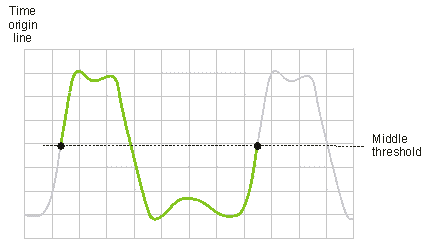
This command is PAM compatible when it is made over the display or a region. It is not PAM compatible when made over a cycle.
The measurement can be performed on any waveform that is displayed in a Waveform content window.
Configurable Measurement Parameters
This measurement is affected by the following settings (choose Measure > Thresholds...):
- Thresholds tab
To measure
- Click the toolbar's More buttons to locate the Average button.
- Click the button.
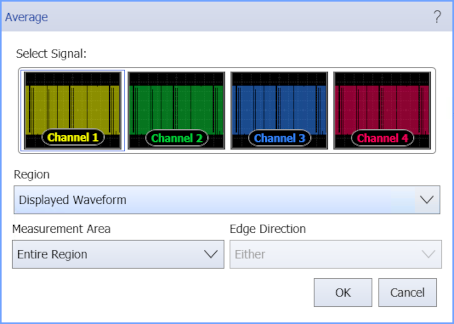
- Select the Region in which to make the measurement:
- Displayed Waveform — is what you see in the waveform window (which can be a zoomed-in view of the complete waveform).
- Entire Waveform — specifies the complete waveform.
- Region N — If regions are enabled for the selected signal, you can select one of those regions.
- Select the Measurement Area (Single Cycle or Entire Region).
- When measuring a single cycle, select the Edge Direction that identifies the cycle to measure:
- Rising or Falling — the cycle beginning with this edge that is nearest to the timebase reference is the cycle to measure.
SCPI Command
:MEASure:VERTical:VAVerage