Waveform Windows
Different types of waveforms are displayed in dedicated tabbed windows. These windows graph specific types of waveforms and the available tabs depends upon waveform type and instrument mode. Click the Configure Window button to quickly view and scale waveforms. Settings that you make are applied to the currently selected waveform content window.
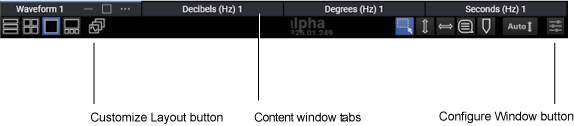
These different types of waveform content windows can be displayed: Waveform, Freq-Mag, GrpDelay, and Phase. The Waveform window displays channels, the output of most functions, Eye Memory, and Waveform Memories. The three frequency-domain windows display FFT waveforms.
To assign waveforms to the available windows, see:
To configure a window, see: