:DISPlay:WINDow:SHERtz{N}:DMODe
Command Syntax
:DISPlay:WINDow:SHERtz{N}:DMODe {OVERlapped | TILed | TTILed}
{N} identifies a widow {1:4}.
Query Syntax
:DISPlay:WINDow:SHERtz{1:4}:DMODe?
Description
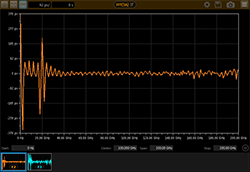
Configures the layout of a Seconds (Hz) waveform content window.
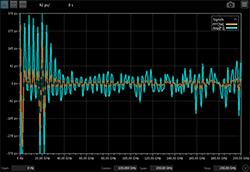
- OERlapped (Overlapped Window)
- All waveforms that are assigned to the window are displayed on top of each other.
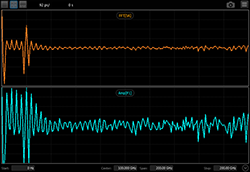
- TILed (Tiled Window)
- Each waveform in the window is displayed in its own graticule. This selection is available whenever more that one waveform is assigned to a content window.
- TTILed (Tab Tile Window)
- One waveform is displayed in the graticule and any remaining waveforms are shown in small windows along the bottom of the graticule. Use the
:DISPlay:WINDow:SHERtz{N}:TOPMostcommand to select the waveform to place in the graticule.